Setting up a workbench
End-to-end guide to creating, configuring, and running your first workbench
Prerequisites
Before creating a workbench you need:
- A Plural project to scope the workbench to. If you have not created one yet, see Projects and multi-tenancy.
- Any external tools (Datadog, Prometheus, GitHub, Slack, etc.) configured in Workbenches → Integrations. Tools can be added later, but it is easiest to have them ready before creating the workbench. See Workbench tools.
- If you plan to enable the coding agent, an
AgentRuntimeresource deployed to your management cluster. See Configure an AgentRuntime.
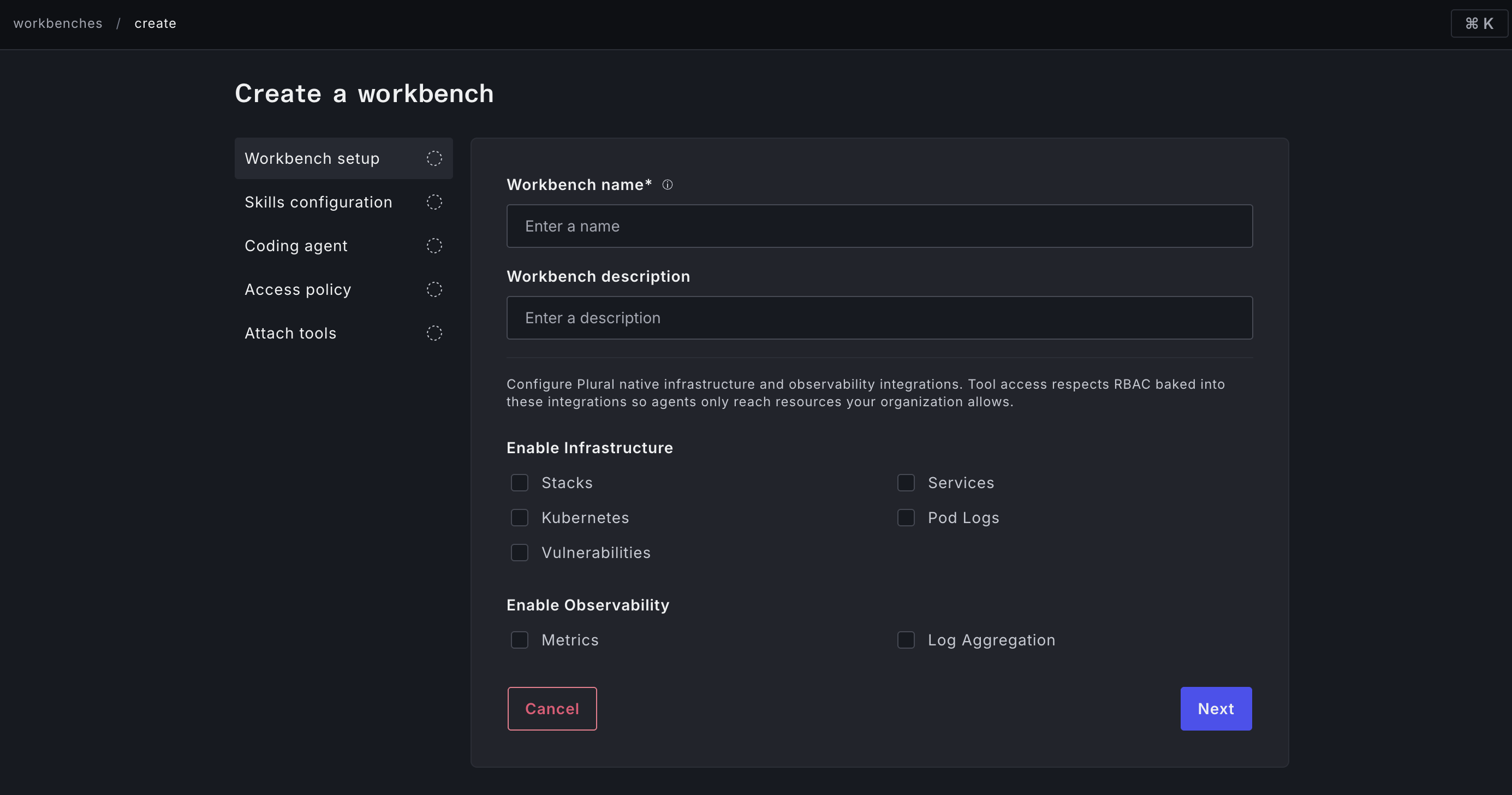
Creating a workbench
Navigate to Workbenches in the Plural Console sidebar and click Create workbench. The creation flow is a five-step wizard. You can jump between steps at any time; the Create workbench button on the final step activates once all required fields are valid.