Running workbench jobs
Trigger agent runs, follow live activity, and interpret results
What is a workbench job?
A workbench job is a single execution of the workbench agent against a prompt. It has a lifecycle of pending → running → complete (or failed) and produces:
- A live activity stream of every step the agent took
- A structured result — a conclusion, optional todos, topology references, observability pointers, and any pull requests opened during the run
Jobs can be started manually from the UI, by a cron schedule, by a webhook trigger, or from a Plural Flow.
Starting a job manually
Open a workbench and click Start job (or the prompt input at the top of the Jobs tab). Type your prompt and press Run.
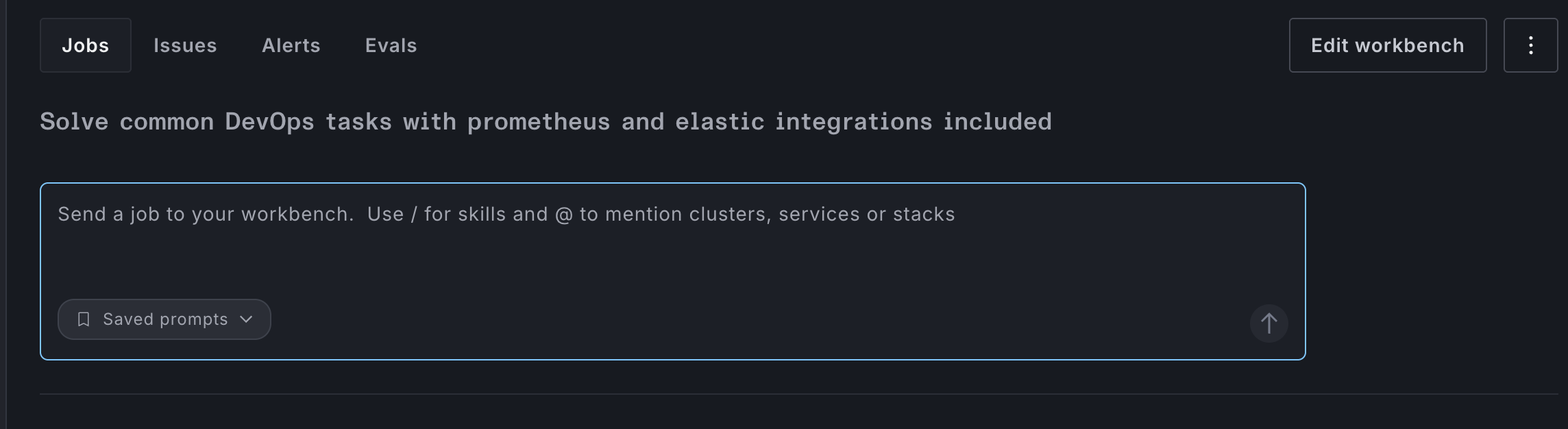
Saved prompts
Frequently-used prompts can be saved under ••• → Saved prompts so your team can launch common investigations without retyping. When starting a job, select a saved prompt from the dropdown to pre-fill the prompt field.